
Site Work
Foundation · Excavation · Grading · Site prep · Drainage
Pulled from parcel dimensions and lot data — already known.
Not a ballpark. Not a national average. Estimate.IQ Agent pulls your parcel data, checks local labor rates, and builds a scope-specific cost breakdown — calibrated to how you actually build.
Estimate.IQ doesn't pull from a generic database. It reads your plans, your site photos, your specs, and your company standards — then builds a cost breakdown that reflects how you actually build.
Parcel at 742 Ridgeline Dr
742 Ridgeline Dr, Austin, TX 78701
Estimate.IQ: Smart residential estimating, powered by your project data. From plans to pricing in minutes — analyzes your drawings, performs complete takeoff, reads your notes and site photos to produce clean, professional estimates ready for clients or internal review.
Ask Estimate.IQ
Knowledge sources
IQ apps
Every estimate is grounded in what you give it — your plans, your rates, your firm's way of building. The more context, the sharper the output.
Estimate.IQ already knows your location, local labor rates, and material costs. Add your drawings and specs — every line item traces back to a real source.
Automatic
Already knows
Estimate.IQ Agent
Reads both streams. Sources every number.
You add
Your context
Output — every line traced
Framing: $61,500
from your bid set
MEP: $39,800
Travis Co. labor rates
Foundation: $48,200
parcel + local index
Markup: 12%
your firm standard
Every number has a source. Every source is real.
Most estimates start with your drawings. Estimate.IQ starts with your address — parcel data, local costs, and jurisdiction already loaded before you upload a single plan.
Foundation · Excavation · Grading · Site prep · Drainage
Pulled from parcel dimensions and lot data — already known.
Framing · Sheathing · Roofing · Structural steel · Exterior envelope
Calibrated to your market's labor rates.
MEP rough-in · HVAC · Plumbing · Electrical · Fire suppression
IBC and local fire code requirements already factored in.
Interior finishes · Exterior cladding · Flooring · Millwork · Painting
Adjust material grade to match your standard.
Lot preparation · Hardscape · Landscaping · Fencing · Utilities connection
Lot dimensions and structures already mapped.
Permits · Engineering fees · Inspections · Contingency · Firm markup
Set your markup once — applies across every estimate.
Other tools start with your drawings. Estimate.IQ starts with your address.
Play with your numbers
24 projects
$85
$450,000
12%
14 hrs per project
3 hrs per project
3 per year
$9,500
22%
28%
Return on your plan
369×
$128,352 net annual benefit
Estimate.IQ is included in higher InQI plans — no per-project fee.
Labor Savings
$22,440
264 hrs saved/yr
Errors Prevented
$28,500
3 costly errors avoided
Win Rate Lift
$77,760
+6% win rate
Net ROI Value
$128,352
after plan cost
Value breakdown
Platform comparison
| Traditional Software(Sage, ProEst) | Estimate.IQ | |
|---|---|---|
| Annual plan cost | ~$6,000 | $348 (plan incl.) |
| Getting started | Weeks of setup + training | Enter an address |
| Speed to first number | Manual takeoff per project | Minutes, before drawings |
| Grounded data | No parcel or code data | Parcel, local costs, jurisdiction |
| Estimating hours per project | 14 hrs | 3 hrs |
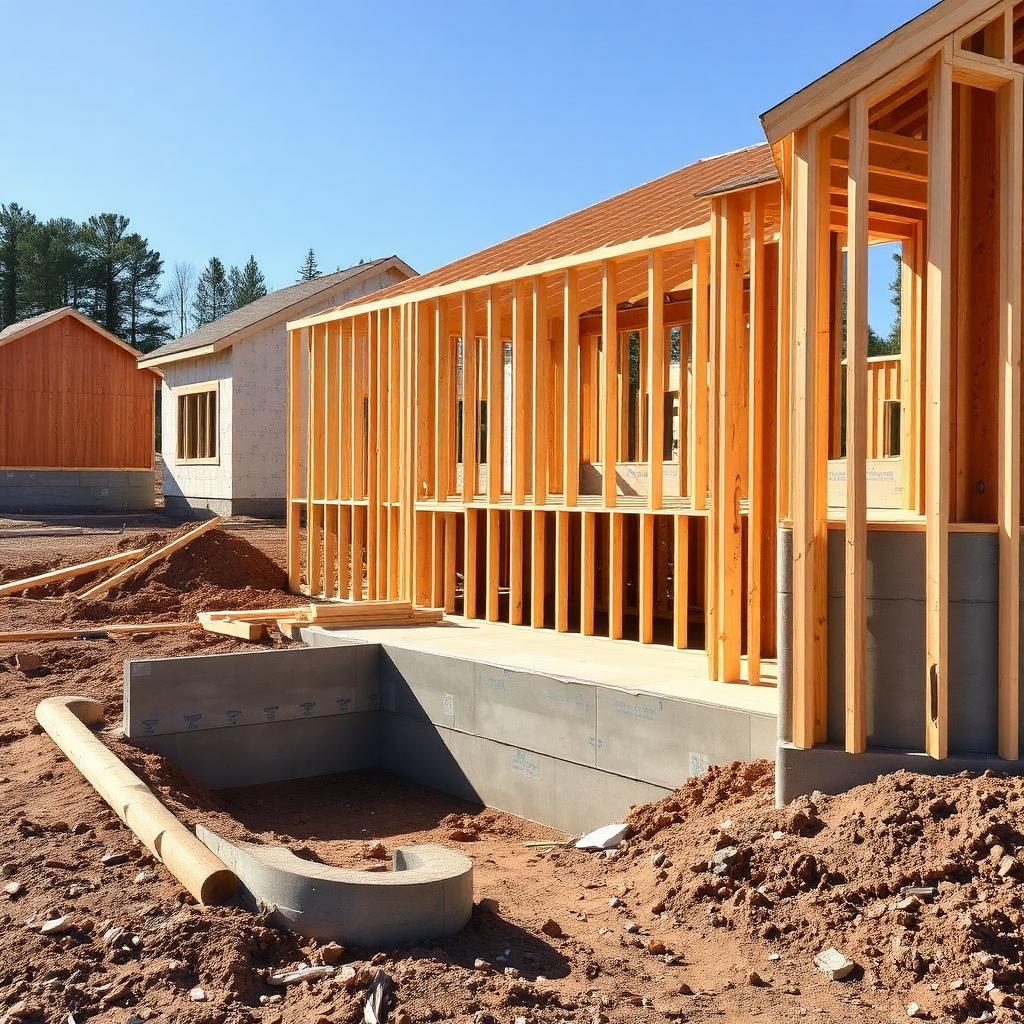
Site data, codes, and cost breakdown — ready before your client meeting.

Know if a job is worth pursuing before allocating your best people.
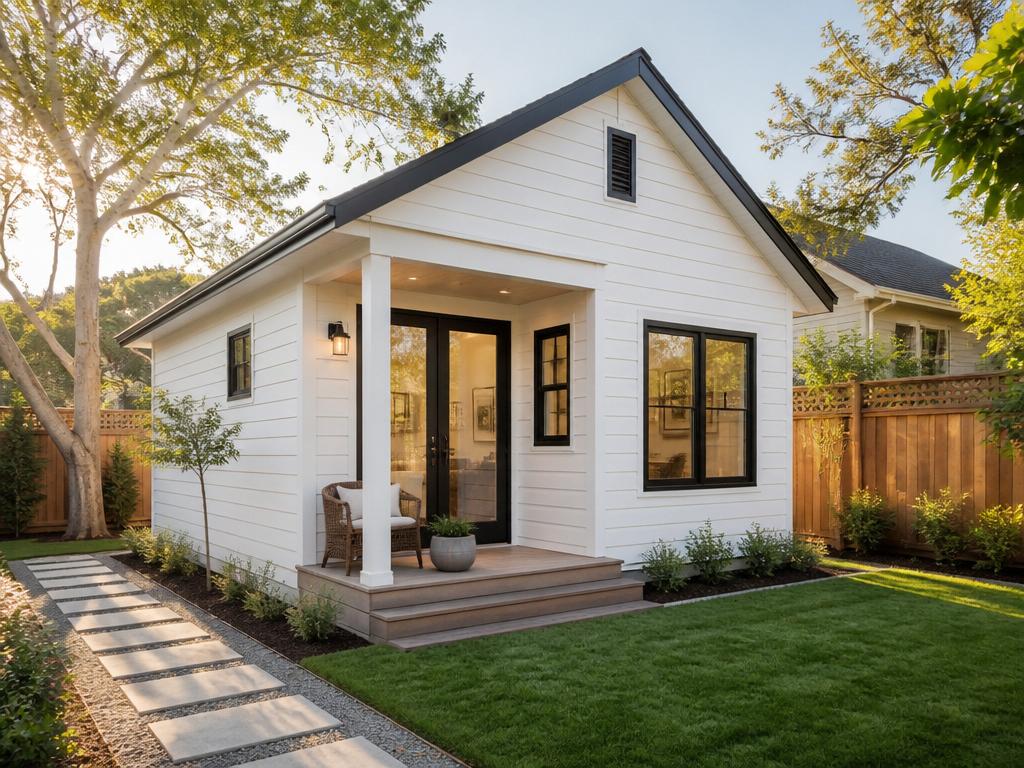
ADU eligibility, setbacks, and cost estimate — from the address, in minutes.

Run the address. Get pool scope, site constraints, and local costs — before you write a single line.
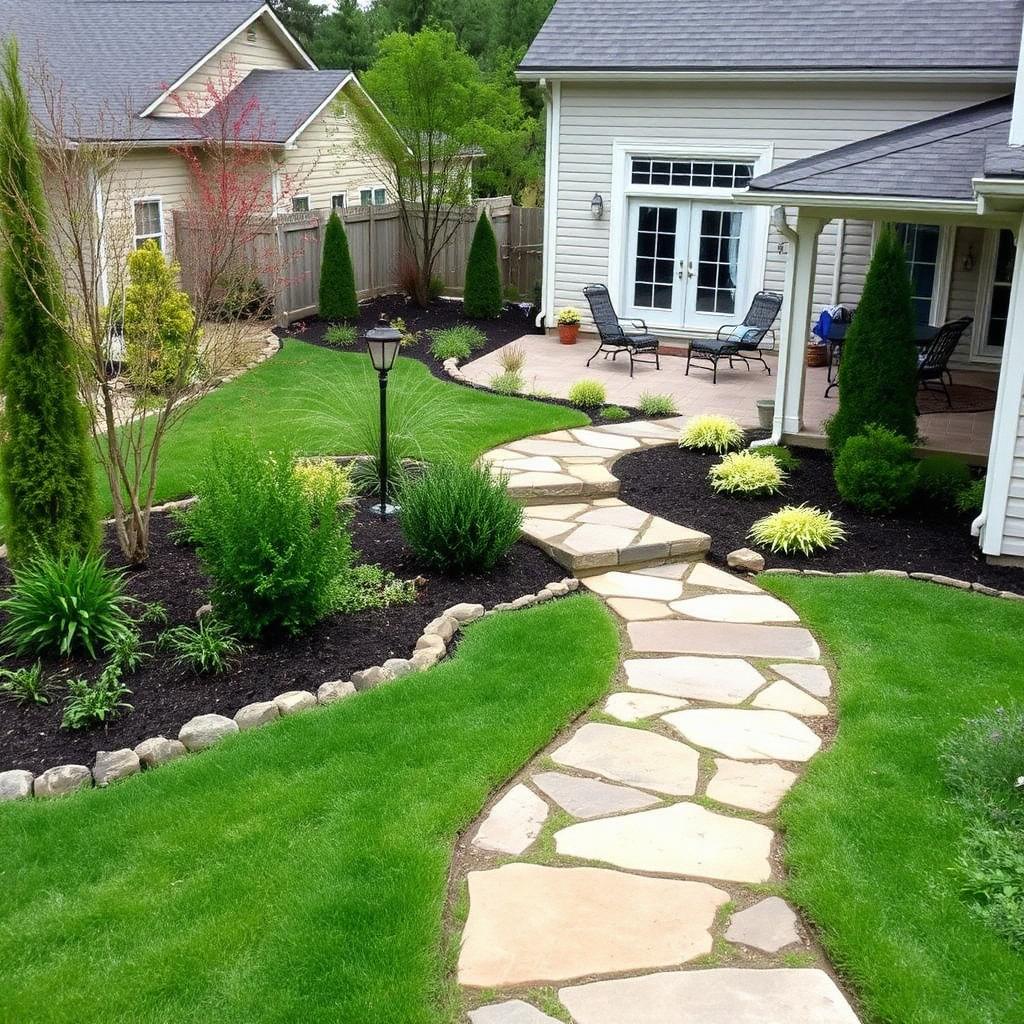
Pool, landscaping, hardscape, planting — Estimate.IQ pulls scope and local costs from the address. No guesswork, no spreadsheet from scratch.
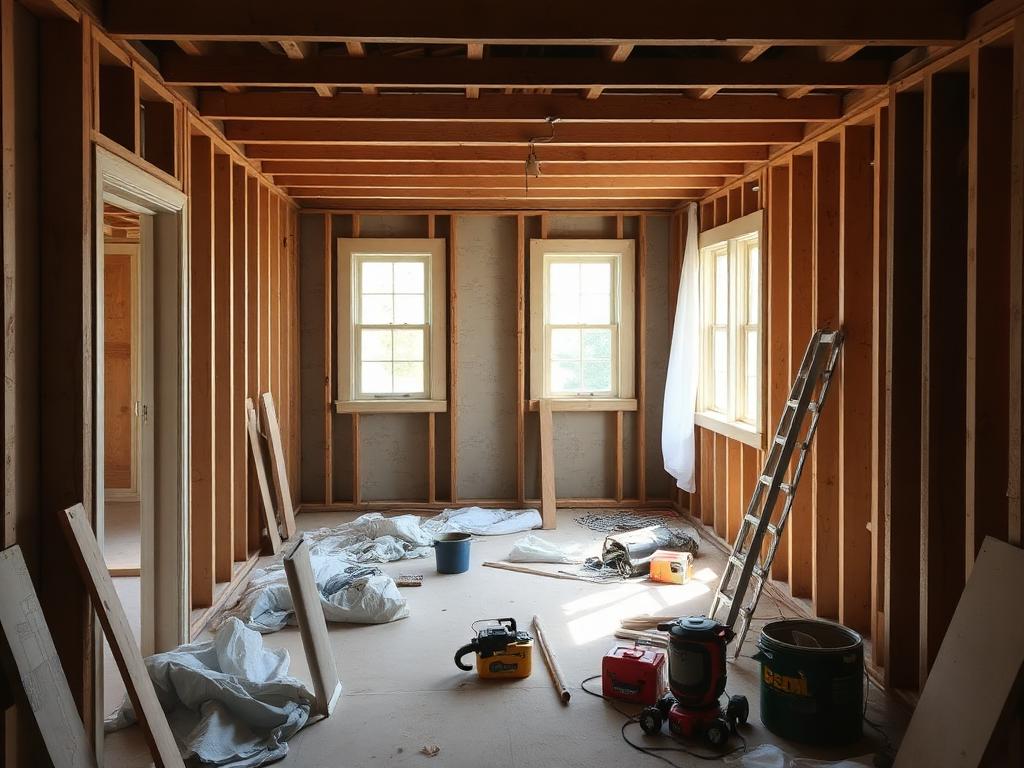
Get a realistic cost picture for your renovation, addition, or backyard project — before the first contractor quote.
Answers about estimates, scope, and local costs. Ask the Estimate.IQ team.
Estimate.IQ Agent builds cost estimates from your address — and from your company. It reads your company pricing, your labor rates, your code books, your past project wins, your drawings and specs. Every line item reflects how your firm actually builds, not a national average you have to adjust. A number you can defend because it came from your data.
Estimate.IQ Agent builds cost estimates from your address — and from your company. It reads your company pricing, your labor rates, your code books, your past project wins, your drawings and specs. Every line item reflects how your firm actually builds, not a national average you have to adjust. A number you can defend because it came from your data.
Sign up free and run your first address in minutes.